
Swipe to clean
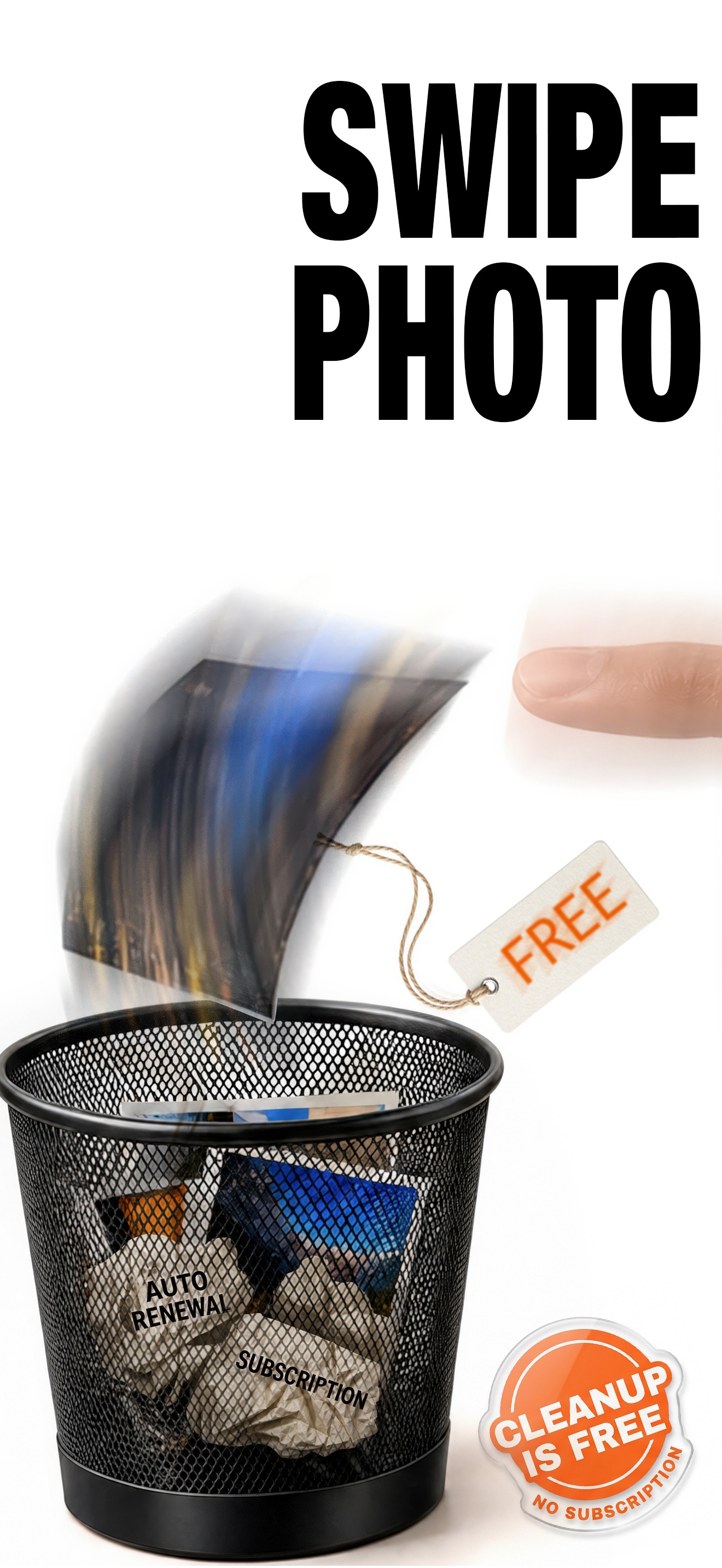
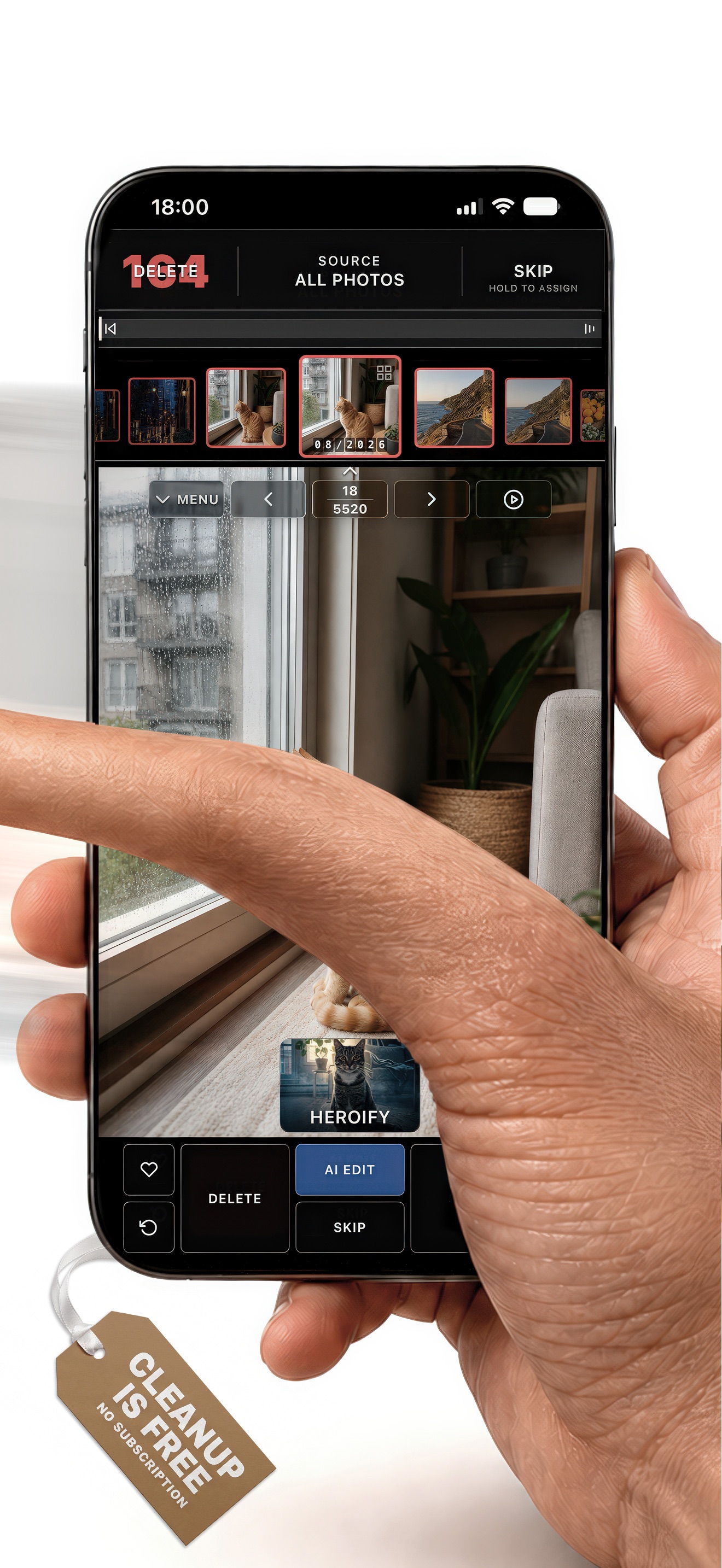
Swipe left to mark a photo for deletion, right to keep it. Undo recent actions and confirm your final delete list.
Swipe through clutter, review duplicates, and keep the photos that matter.
Photo cleanup and Pro Mode are free.
No subscription. No trial. No cleanup paywall.

Start cleaning as a guest. Optional AI Edit uses paid AI Credits.
Work through photos and videos at your own pace. Choose what goes, keep what matters, and review your selections before deleting.
Swipe left to mark a photo for deletion, right to keep it. Undo recent actions and confirm your final delete list.
Review duplicate and similar photos, blurry shots, screenshots, and large files. You decide which ones to keep.
Sort photos into albums without creating extra copies on iPhone. Pro Mode is included for free.
Keep cleaning for free. Use AI Edit only when you want a creative transformation.
No subscription or trial to unlock your cleanup.
Give a photo a new look with AI. Buy credits when you want to use it, with no subscription.
Preview a favorite photo on your wall, explore print sizes, and turn it into a physical print through supported partners.
Wall preview and print ordering are coming soon. They are not available in the current App Store release.
Print partnership inquiriesPhoto cleanup and Pro Mode. Free forever.
Download on the App StoreOptional AI Edit uses paid AI Credits.